index
The builder has a landing page at tunaos.org/iso-builder and runs at https://iso.tunaos.org.
See the Native App — a cross-platform desktop app that writes a real multi-boot USB drive directly, with add/update/remove after the fact, on Linux, macOS, and Windows.
⚠️ Alpha — experimental preview; interfaces and limits below will change.
Build a live, bootable TunaOS ISO from any bootable container image — entirely in your browser. Nothing is uploaded anywhere: the registry pull, filesystem authoring, and ISO assembly all run locally in WebAssembly, using the exact same engine (tacklebox's pure-Go core) that TunaOS CI uses to build release media.
Live at: https://iso.tunaos.org
Screenshots below are generated automatically by the Playwright walkthrough (
prototype/iso-builder/e2e,npm run walkthrough) — if the app changes, rerun it and commit the refreshed images.
Quick start
-
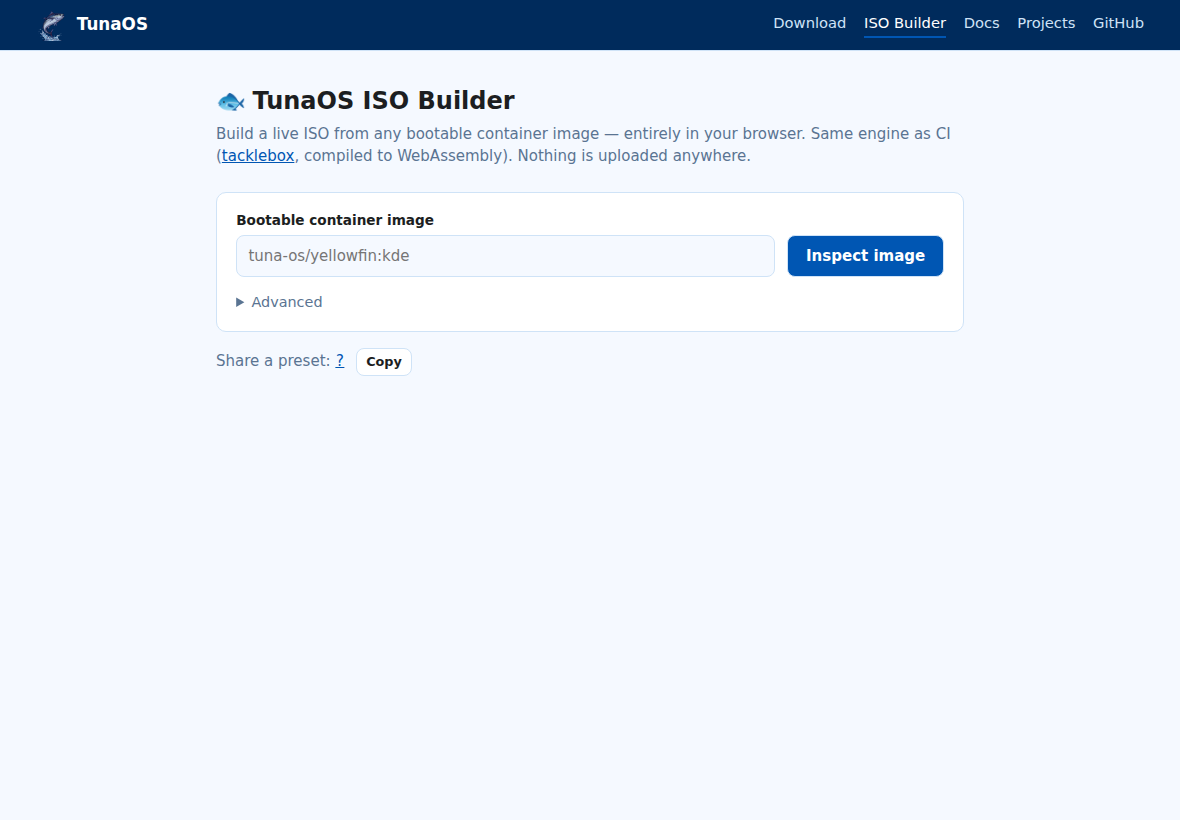
Open the builder. You'll see the image input and an Advanced panel.
-
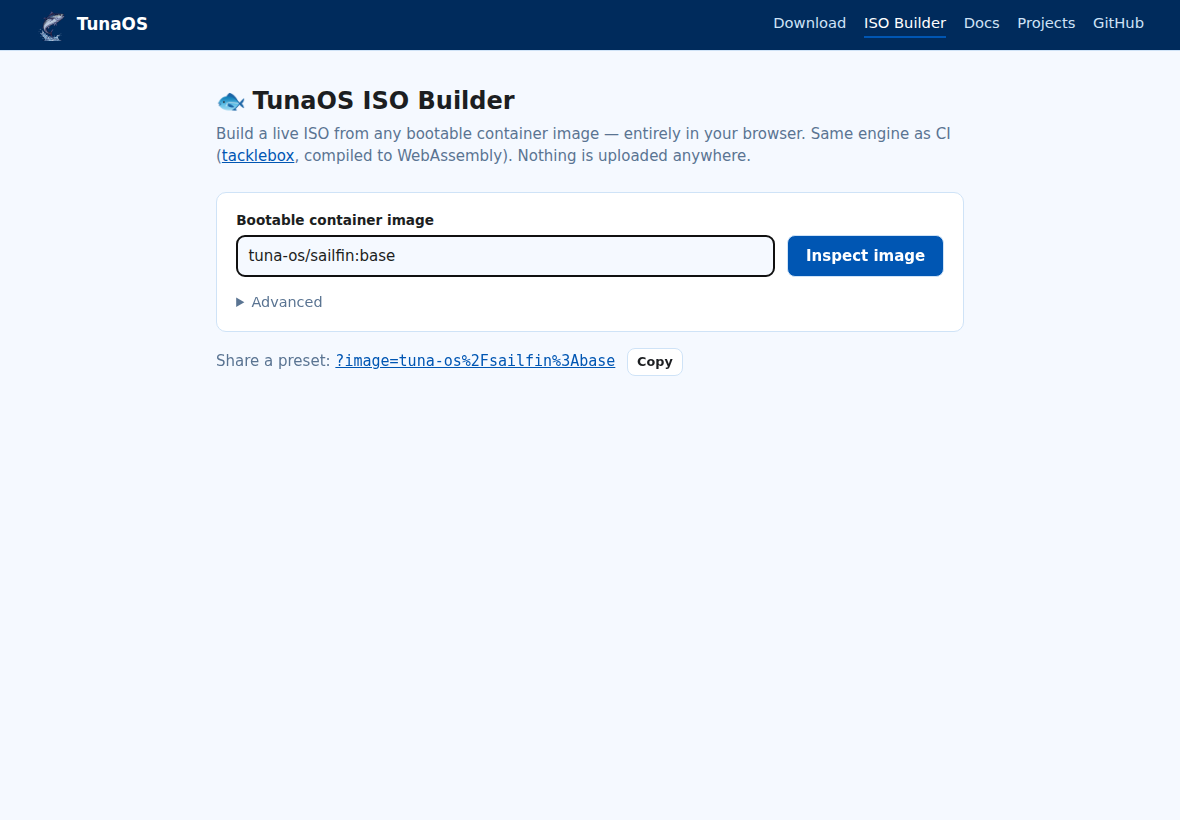
Enter a bootable container image. Anything OCI works as long as the image is bootc-style (kernel under
/usr/lib/modules):tuna-os/sailfin:base— a TunaOS image on GHCR (short form)ghcr.io/you/your-os:tag— any GHCR image (fetched via the TunaOS CORS relay)quay.io/…/ other registries — fetched directly; works when the registry sends CORS headers
-
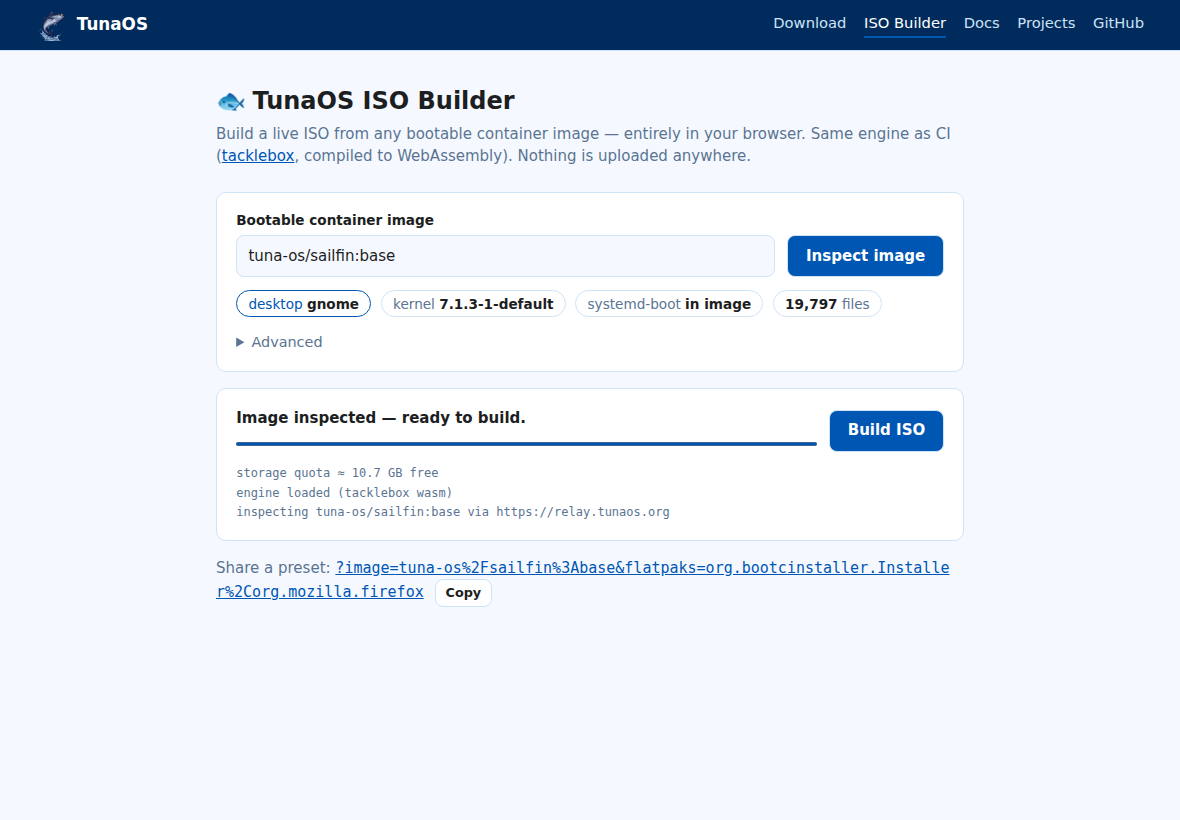
Inspect. The engine pulls the manifest, unpacks every layer in-browser (whiteouts and hardlinks handled like a real container runtime), and shows what it found: the desktop environment (detected from the image's session files), kernel version, systemd-boot presence, and file count.
-
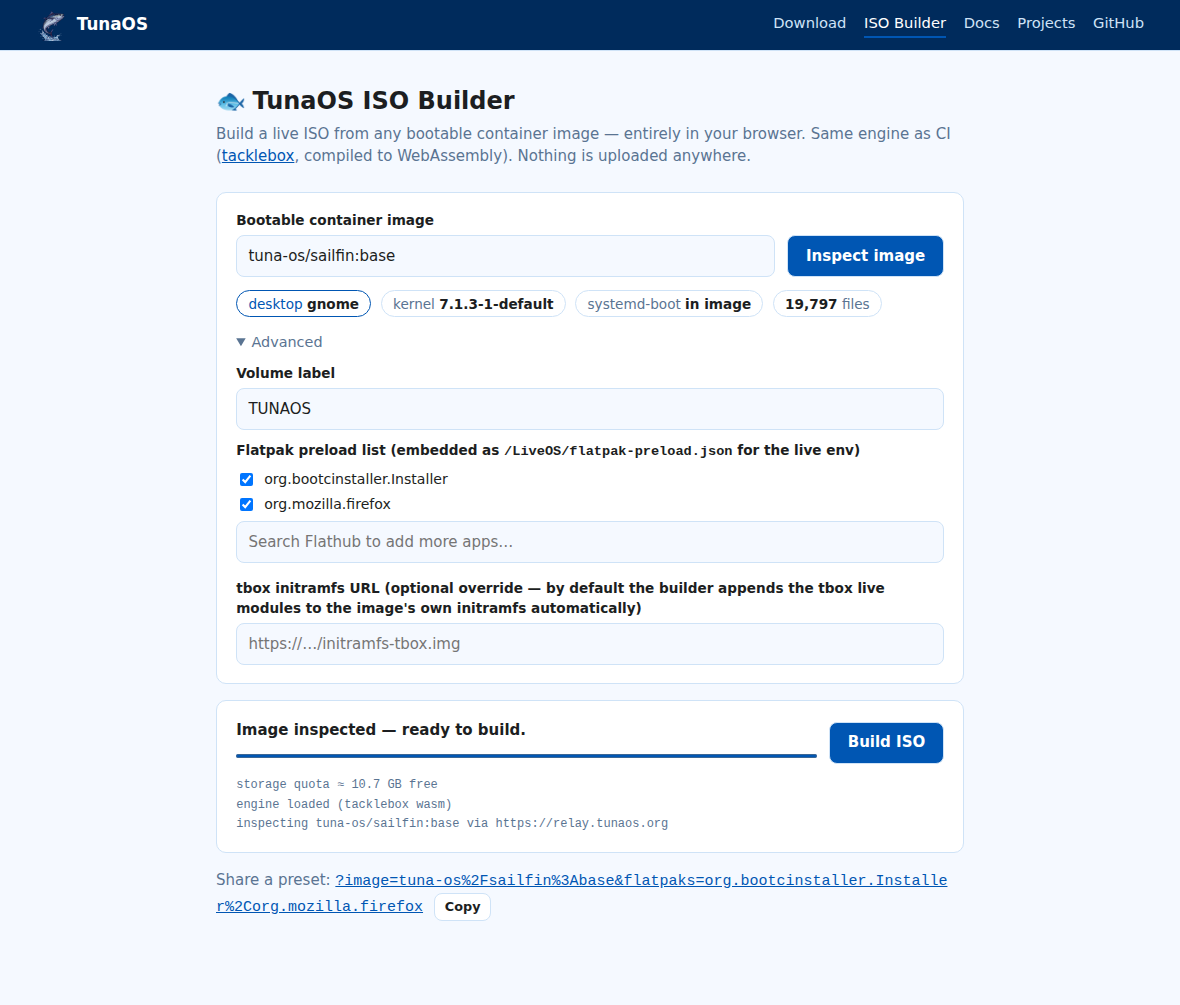
Tune under Advanced (optional).
- Volume label — the ISO's
CDLABEL. - Flatpak preload list — a checklist prefilled per detected
desktop (GNOME and KDE have their own defaults; niri/xfce use
GNOME's). Untick anything you don't want, and use the Flathub
search box to autocomplete and add more apps. The final list is
embedded into the ISO as
/LiveOS/flatpak-preload.jsonfor the live environment to consume. - tbox initramfs URL — see Bootability below.
- Volume label — the ISO's
-
Build ISO. The ISO streams straight to disk (File System Access API; falls back to a regular download). The EROFS live root, FAT EFI system partition, and ISO9660/El Torito container are all authored in WASM.
Role in the bootc Landscape
The bootc (bootable containers) model packages fully bootable system trees inside standard OCI container images. While this solves OS distribution and transactional updates, it introduces a bootstrapping problem: bare metal hardware cannot boot directly from an OCI registry.
Traditionally, generating installation media (like an ISO) requires Red Hat's bootc-image-builder—a heavy, containerized tool running under podman or docker that requires root-level loopback mounting and device access.
The TunaOS ISO Builder shifts this entire paradigm:
- Client-Side Assembly: By compiling the core Go-based
tackleboxfilesystem engine to WebAssembly, compilation is offloaded to the user's browser. There is zero server-side compute cost for the registry host. - Edge Customization: Users can inject Flatpaks, custom repositories, and initramfs overlays at the time of compilation, decoupling generic base images from custom bare-metal installations.
- Platform Democratization: Anyone on Windows, macOS, or ChromeOS can build a bootable ISO inside a standard sandboxed browser tab without needing to install privileged tools or setup container runtimes locally.
Share a preset — URL parameters
The builder is deep-linkable, so any project can point users at a pre-configured build:
| Param | Meaning | Example |
|---|---|---|
image | image to pre-fill | ?image=tuna-os/sailfin:base |
autorun | 1 starts the inspect immediately on load (without it, params only pre-fill — a link never starts a multi-GB pull by itself) | &autorun=1 |
flatpaks | comma-separated app IDs replacing the default list | &flatpaks=org.example.App,org.mozilla.firefox |
label | volume label | &label=MYOS |
initrd | URL of a tbox-enabled initramfs to embed | &initrd=https://…/initramfs.img |
Example:
https://iso.tunaos.org/?image=ghcr.io/you/your-os:stable&label=YOUROS
The Share a preset link at the bottom of the page always encodes the current form state — click it to test, or hit Copy to share it.
Bootability
A live ISO needs an initramfs containing tacklebox's live-boot modules
(tbox-live — they mount the ISO, the EROFS root, and assemble the
overlay). Two paths:
- Supply a tbox initramfs URL (Advanced → initramfs URL): the ISO
is then fully live-bootable, identical in layout to CI-built media.
CI-published per-variant initramfs artifacts are planned; until then
build one locally (
dracut --add "tbox-live tbox-root"inside the image) and host it anywhere fetchable. - No URL supplied: the ISO carries the image's stock initramfs. It boots firmware → bootloader → kernel, but stops before the live desktop (the stock initramfs doesn't know how to assemble a live root). The builder shows a warning banner in this mode.
Current limits (MVP)
- Memory: the unpacked image and the EROFS live in browser memory — base images are fine; large desktop images need the planned OPFS-backed store.
- Flatpak preload is a manifest the live environment consumes at boot, not a baked flatpak deployment.
- Registries other than GHCR must send CORS headers (most don't); GHCR works for any public image via the relay.
Testing
prototype/iso-builder/e2e holds the Playwright suite:
cd prototype/iso-builder/e2e
npm install && npx playwright install chromium
npx playwright test                # UI + real inspect flow
npm run walkthrough                # regenerates the doc screenshots
TBOX_E2E_FULL=1 npx playwright test  # + full ISO build & PVD check
The iso-builder-e2e workflow runs the same suite in CI on changes to
prototype/iso-builder/**.
Part of the Tuna OS ecosystem.